
Visual Studio provides a convenient graphical project creation feature for users: simply create a new project and follow the prompts step by step until completion.
However, this approach also brings some issues. A particularly real example is that users during the Xamarin era were aware that, apart from Xamarin.Forms, there were also Xamarin.iOS and Xamarin.Android. At that time, Visual Studio allowed users to select either Xamarin.iOS or Xamarin.Android when creating a new project.
However, from the evolution of Xamarin to the current DotNet, the new project template in Visual Studio is only available in MAUI. You couldn't find the options for Dotnet Android and Dotnet iOS.
In fact, DotNet Android and DotNet iOS have always existed as underlying implementations of maui, it's just that Microsoft hasn't implemented their new project functionality in Visual Studio. If developers are familiar with the using of development method on Xamarin.iOS or Xamarin.Android and want to continue using this method in the current DotNet era, they only need to use DotNet command-line tools(CLI).
If you are a user using a non Windows system, you should be very familiar with the DotNet command line:
dotnet new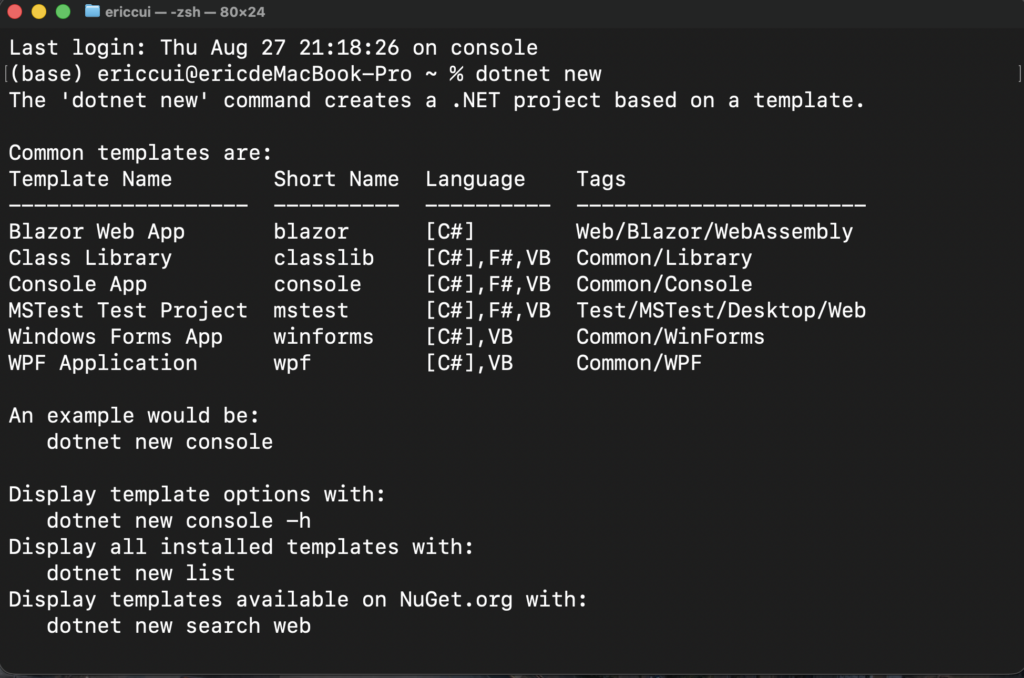
As shown in the figure, "dotnet new" only displays commonly used project templates. To display all installed templates, use the following command:
dotnet new list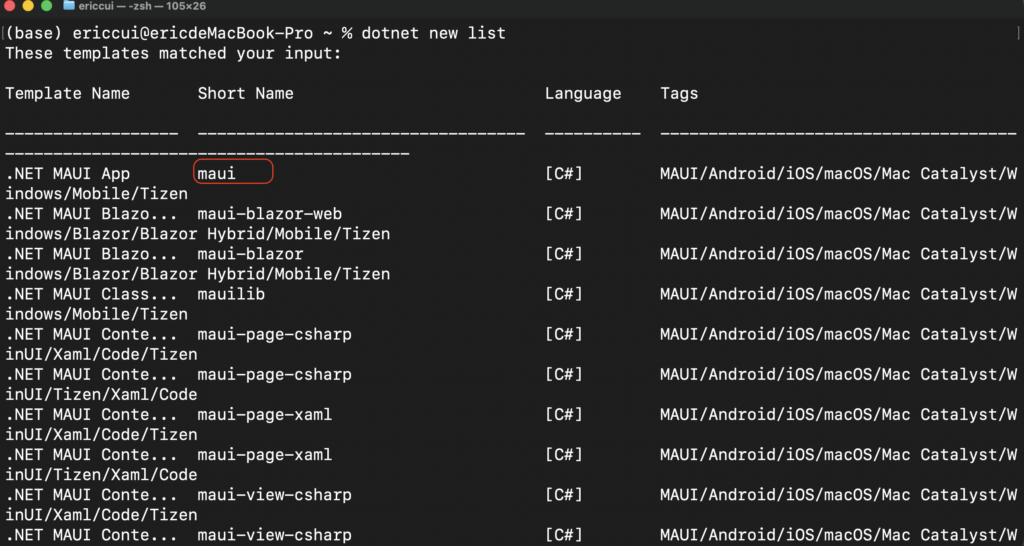
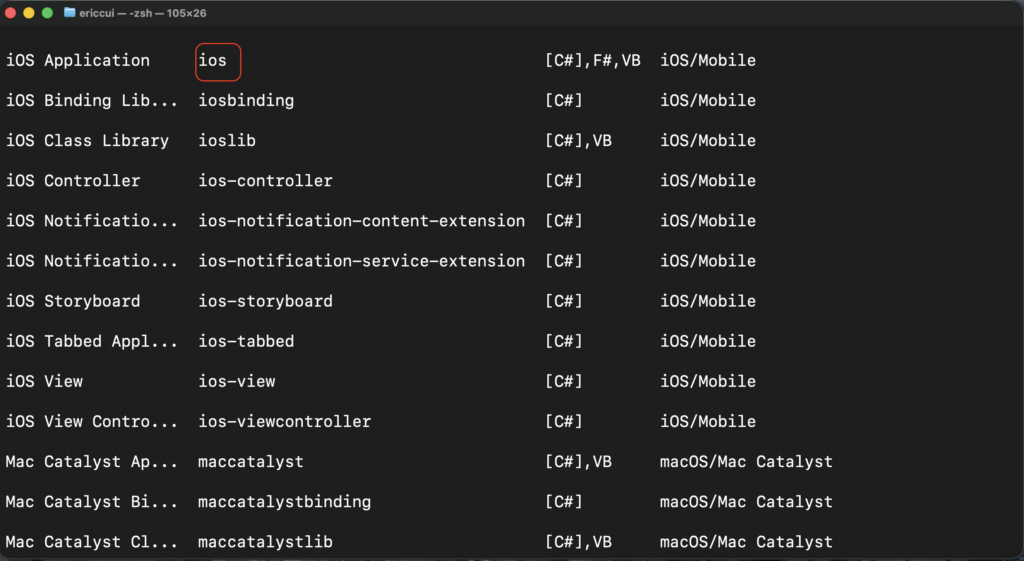
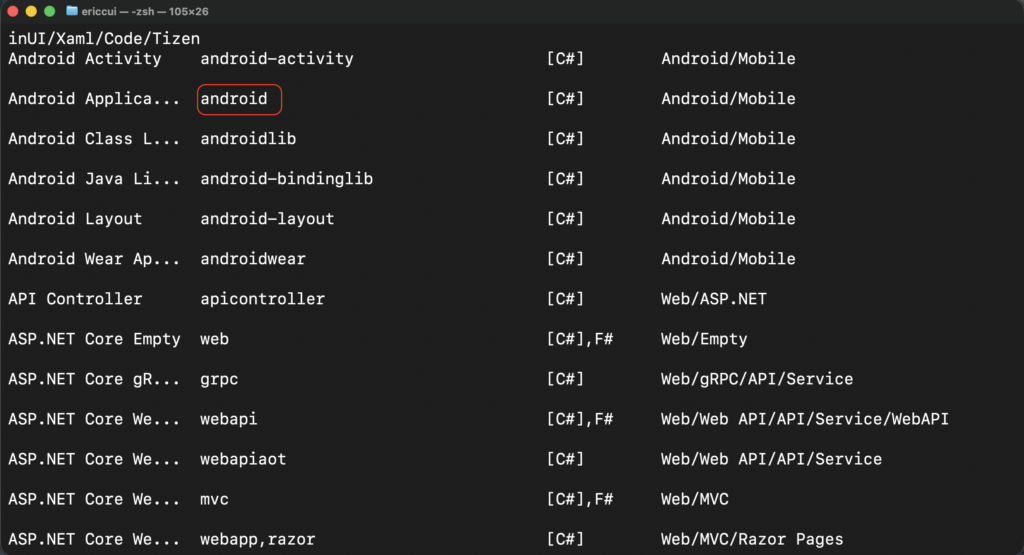
As shown in the figure, simply find the template you need in this list and then create a new one, for example:
dotnet new ios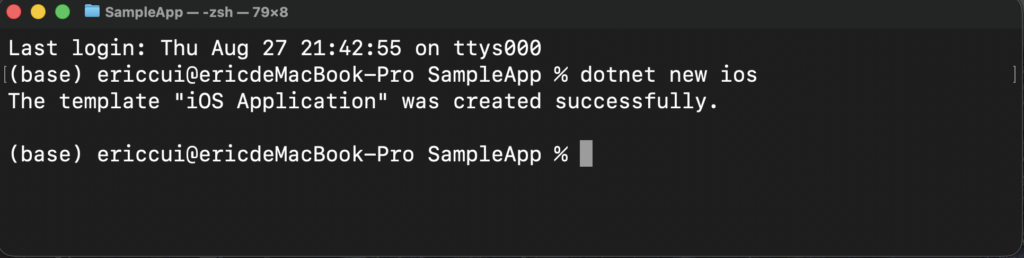
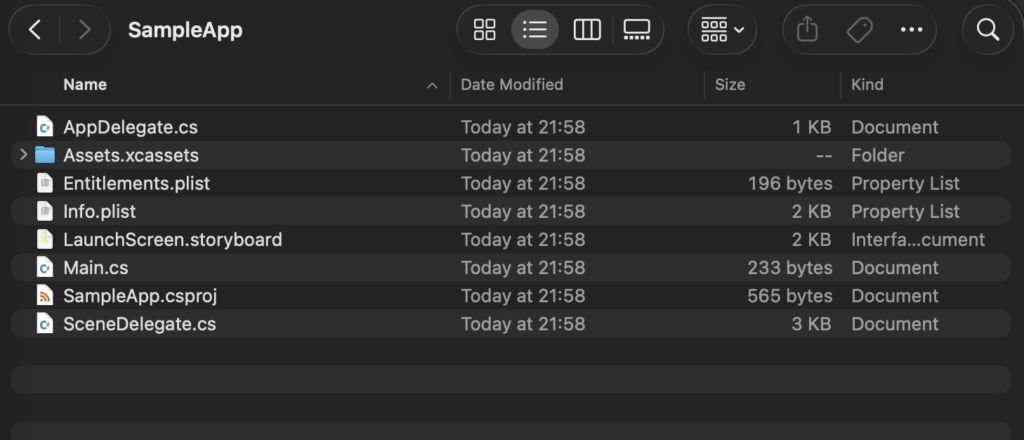
The current example is being operated on Mac, and even with the implementation of DotNet across platforms, it is not a problem to use these DotNet command-line tools(CLI) on Windows.
公众号 Maui Library
知乎 Maui Library
群: 521288080 313308215
Leave a Reply